

How does the NORWEH 3D designer tool work?
NORWEH’s online 3D designer is one of the most useful tools in the timber frame kit buying process — it lets you see exactly what your chosen structure will look like before committing to a purchase.
What you can do in the 3D designer:
- Select your model – LT, HT, Pergola, or Custom
- Choose your size – select from available width and depth combinations for your chosen model
- Select your roof style – 2-Gable, 3-Gable, Hip, or Double Hip (for HT); visualize how each looks in real time
- Choose your finish color – see your structure in NORWEH’s available CUTEK stain tones (walnut, black ash, natural)
- Rotate and zoom – examine the 3D model from any angle; see how the roof overhang and rafter tails look from different perspectives
How to access it:
- Visit design.norweh.com directly, or find the link at norweh.com
- The tool works on desktop and mobile browsers — no app download required
After designing:
- Screenshot or save your design configuration
- Reference your configuration choices when placing your order at norweh.com
- Or call +1 (866) 610-0610 and give our team your configuration details — they can confirm pricing and availability
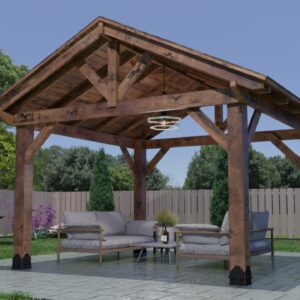
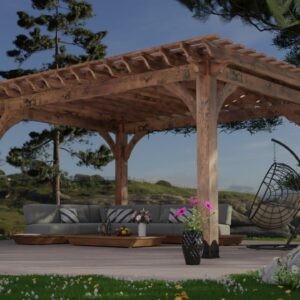
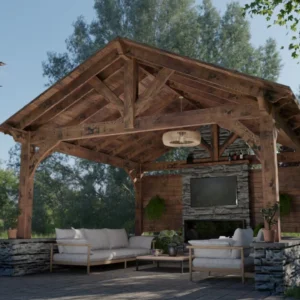
The 3D designer is the fastest way to get from ‘I’m interested’ to ‘I know exactly what I want’ — and it’s completely free to use.


